 Launch Studio
Launch Studio
Launch Studio
Upload your footage and your track. Videglow reads the song — tempo, energy, sections — and cuts a beat-synced video that locks to your performance, in the style you pick. The kind of edit that costs an artist $1,500 and a week of turnaround, generated in minutes.
The editing happens automatically. You make the creative calls.
 01
01Phone clips, camera footage, or stills. Shaky B-roll is fine — Videglow finds the usable frames.
 02
02Drop the final track. We map the beat grid, downbeats, energy and song sections so cuts land where the music moves.
 03
03Each style has its own pacing, color and cut language. Tune transition density and effects to taste before you generate.
 04
04Get a synced, full-song video with your audio attached. Regenerate variations free until one hits — pay only on export.
Music videos are filmed to playback, so the footage already matches the song. Videglow listens to each clip and finds exactly where it sits on the track — so the artist's lips and movements line up with what's playing. That's the difference between a slideshow and a video.
Every cut lands on a beat; cadence follows the song's energy — faster in the hook, breathing in the verse.

It reads tempo, energy and song structure, then cuts to it — hard and flashy in the hook, breathing in the verse. The style you pick sets the color and cut language.

From clean hard cuts to a transition-heavy edit — a single slider, plus a checklist of every transition style.
Performance takes are locked to time-correct frames so mouths match the words.
Once your official video is locked, Videglow pulls vertical Shorts built around the hook, the chorus, and the hardest visual moments — formatted for TikTok, Reels and YouTube Shorts. Promote the release without paying an editor per clip.
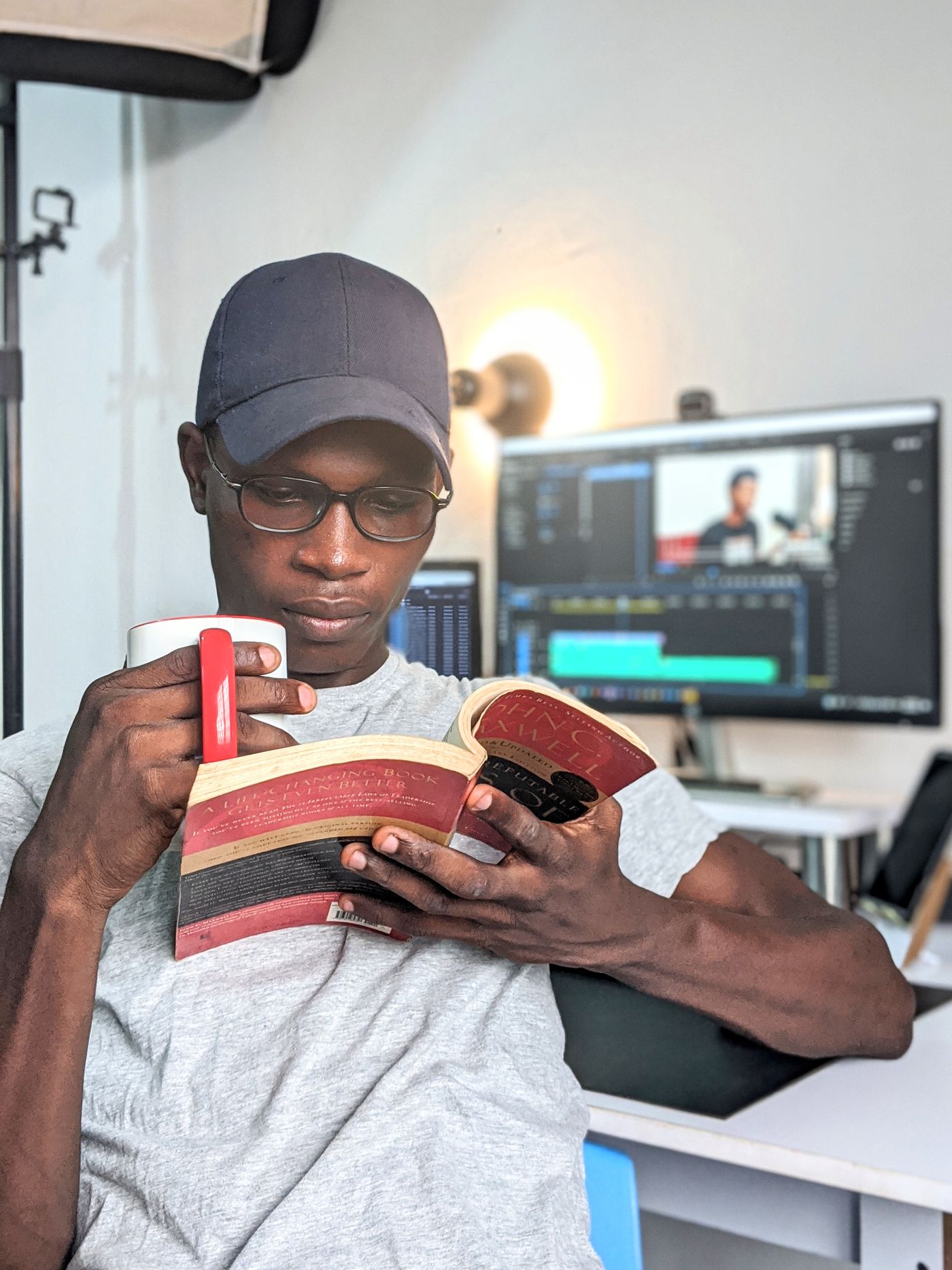
A directory of vetted videographers by city, style and budget — so when a project deserves a camera operator, you can book one without leaving Videglow. In development.
In development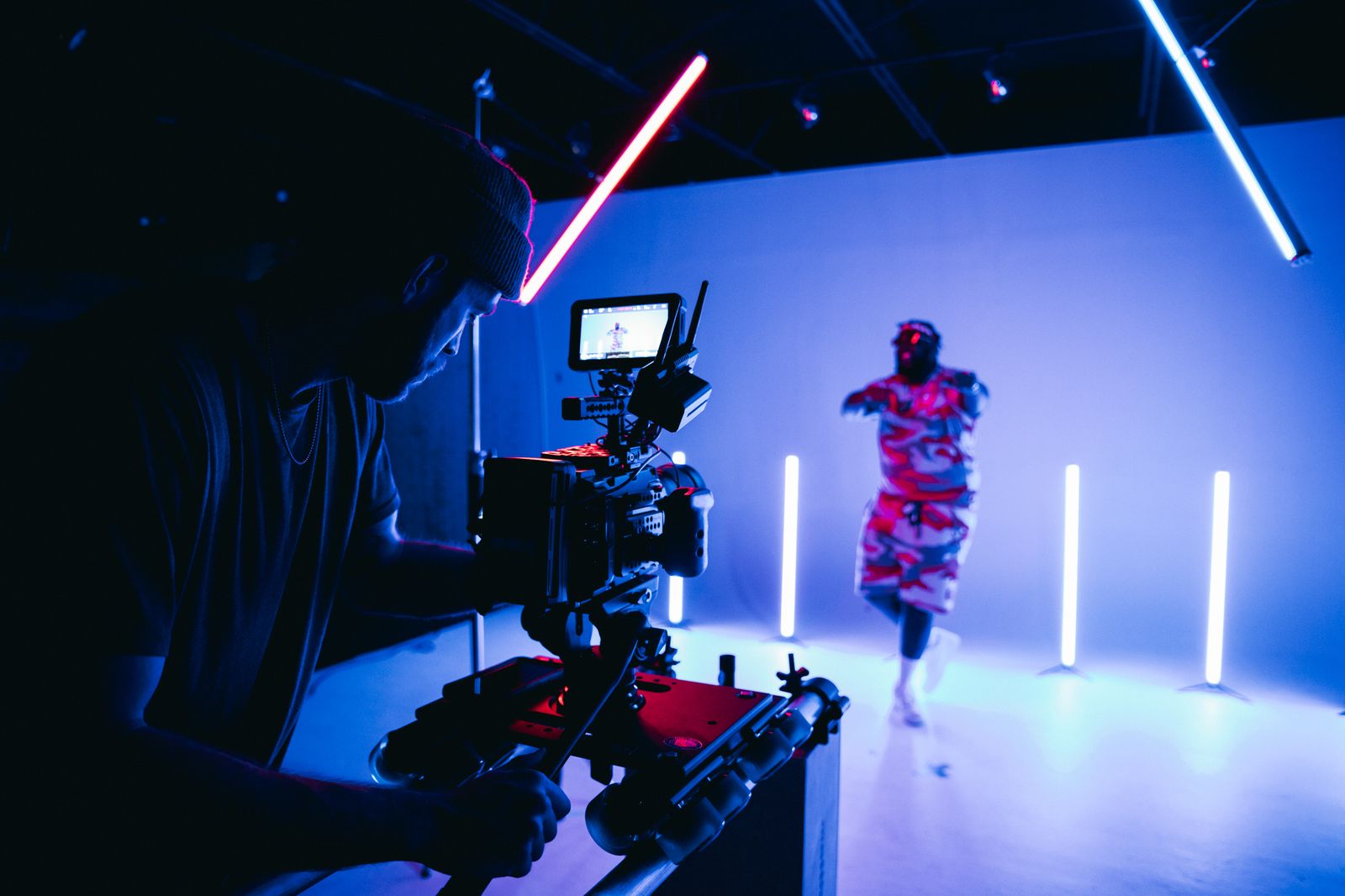
Build and preview for free. Pay only for the finished videos you keep.
| Free | Creator | Pro | |
|---|---|---|---|
| Render quality | 720p preview | 720p preview · 1080p full quality | 720p preview · 1080p full quality · 4K Ultra HD (2160p) |
| Watermark-free renders | — | ✓ | ✓ |
| Storage | 2 GB | 20 GB | 100 GB |
| › Beat FX | 4 effects | 4 effects | 4 effects |
| Zoom punch on hard beats | ✓ | ✓ | ✓ |
| Beat flash | ✓ | ✓ | ✓ |
| Open from black | ✓ | ✓ | ✓ |
| End on black | ✓ | ✓ | ✓ |
| › Transition styles | 22 styles | 22 styles | 23 styles |
| Zoom punch | ✓ | ✓ | ✓ |
| RGB glitch | ✓ | ✓ | ✓ |
| Camera shake | ✓ | ✓ | ✓ |
| Whip pan | ✓ | ✓ | ✓ |
| Flash cut | ✓ | ✓ | ✓ |
| Crossfade | — | — | ✓ |
| Dissolve | ✓ | ✓ | ✓ |
| Fade through black | ✓ | ✓ | ✓ |
| Fade through white | ✓ | ✓ | ✓ |
| Blur dissolve | ✓ | ✓ | ✓ |
| Smooth right | ✓ | ✓ | ✓ |
| Wipe left | ✓ | ✓ | ✓ |
| Wipe right | ✓ | ✓ | ✓ |
| Wipe up | ✓ | ✓ | ✓ |
| Wipe down | ✓ | ✓ | ✓ |
| Slide left | ✓ | ✓ | ✓ |
| Slide right | ✓ | ✓ | ✓ |
| Slide up | ✓ | ✓ | ✓ |
| Slide down | ✓ | ✓ | ✓ |
| Zoom in | ✓ | ✓ | ✓ |
| Circle open | ✓ | ✓ | ✓ |
| Circle close | ✓ | ✓ | ✓ |
| Pixelize | ✓ | ✓ | ✓ |
| › Neural body FX (clones, echo, glow…) | — | — | 7 effects |
| 🔥 Clone hits | — | — | ✓ |
| 🪟 Body window | — | — | ✓ |
| 👻 Echo / ghost trail | — | — | ✓ |
| ✨ Body glow pulse | — | — | ✓ |
| 🌫️ Soul / shadow pull | — | — | ✓ |
| 🧊 3D parallax push | — | — | ✓ |
| 📺 Glitch clone | — | — | ✓ |
| Keep 4K source uploads | — | — | ✓ |
Indicative pricing — final tiers set at launch.
Most auto-editors force every song into the same look. Videglow was built on the opposite idea: it listens to the track — tempo, energy and structure — and cuts to it, in the style you choose. A hype edit moves with grit and flash; a cinematic one breathes with story and warmth. It's editing software for the artists and creators who have the vision and the footage — just not the studio budget yet.
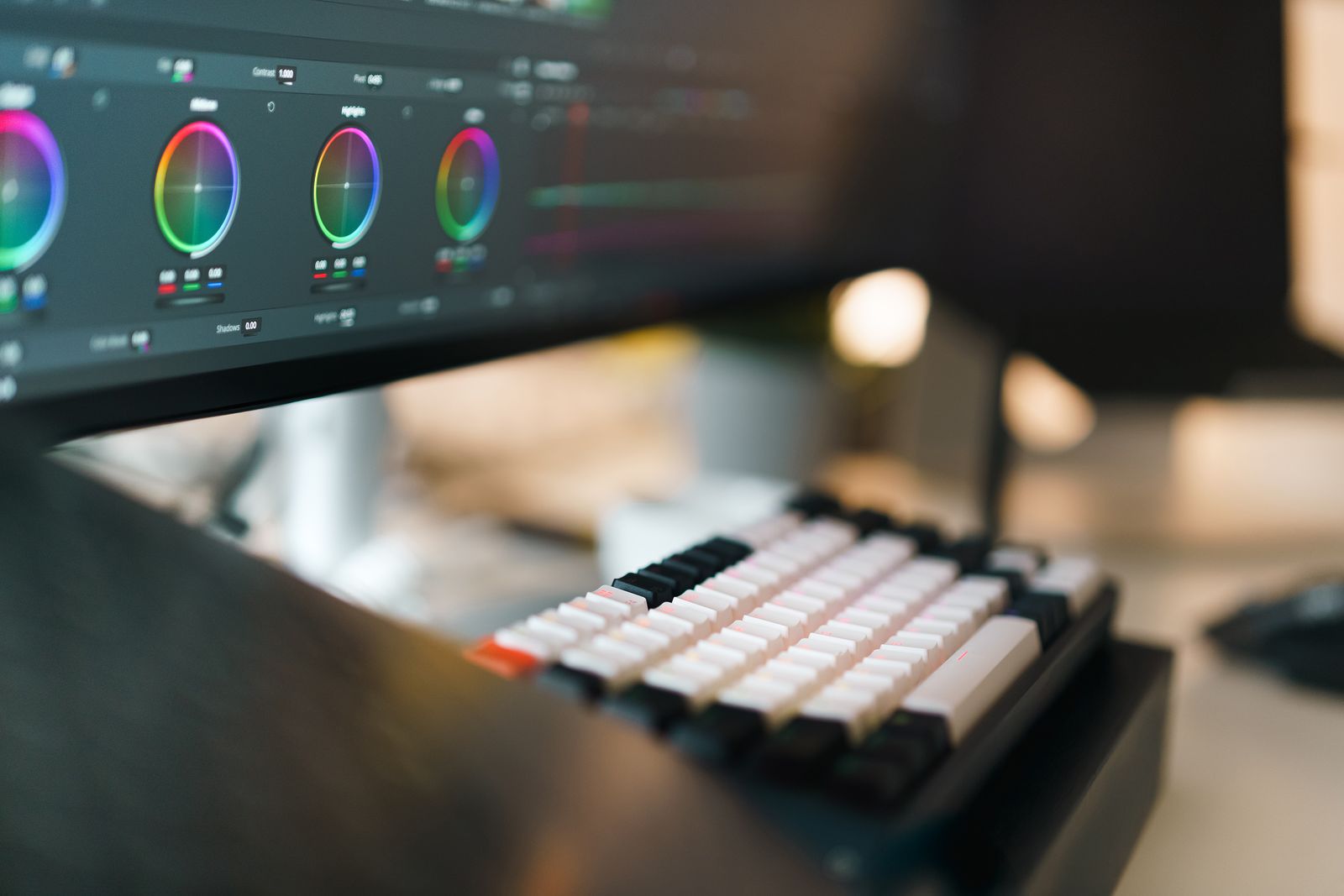
No. Videglow edits your real footage — cutting, syncing and grading it to your track. It's deterministic editing, not generated imagery, so it looks like you.
No. Uploaded footage and audio are temporary processing material and are discarded after you export the version you keep.
Some footage or photos and your final song file. No editing experience, no expensive software.
Yes — a density slider from clean hard cuts to a transition-heavy edit, plus a checklist of every transition and effect.